Image transformations
You can change the positioning of an image. In the toolbar, clickImage control and select Image transformations from the drop-down list.
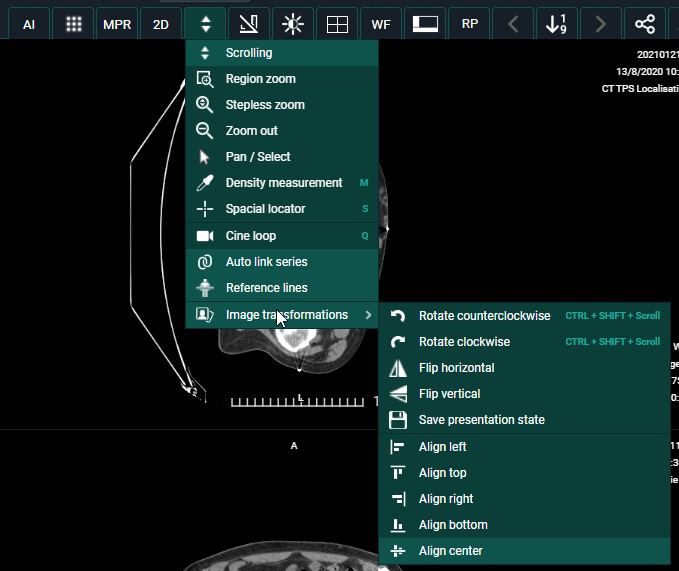
You can perform the following transformations:
• Rotate counter clockwise
• Rotate Clockwise
• Flip Horizontal
• Flip Vertical
• Align left
• Align top
• Align right
• Align bottom
• Align center
Tip | |
 | To rotate the image you can use the following short cut: CTRL + SHIFT (keyboard) + scroll (mouse wheel) |
Save presentation state:
A Presentation State is an independent DICOM SOP Instance that contains information on how a particular image should be displayed. This is used when a correction needs to be made for an image or multiple images. For example: Flipping or rotating an image.
When the correction is applied, click Save presentation state.
The last saved presentation state will be displayed.
Note | |
 | Only source admins or users with the permission SavePresentationState can save a presentation state. |