Share
The Share button offers some of the functionalities from the study list to be accessed directly from the study page.
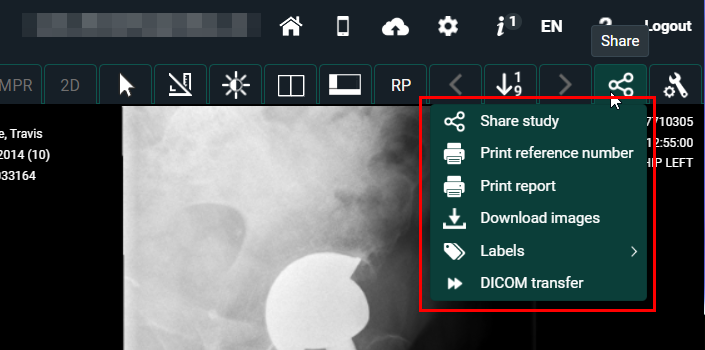
Click on Share to open a drop-down menu with the following options:
Functionality | Action | ||||
|---|---|---|---|---|---|
Share study | Share the study with a user, a group, a radiology department, or a self-defined recipient. See Sharing studies from the study list. This functionality is only enabled for registered users of DeepUnity PACSonWEB. | ||||
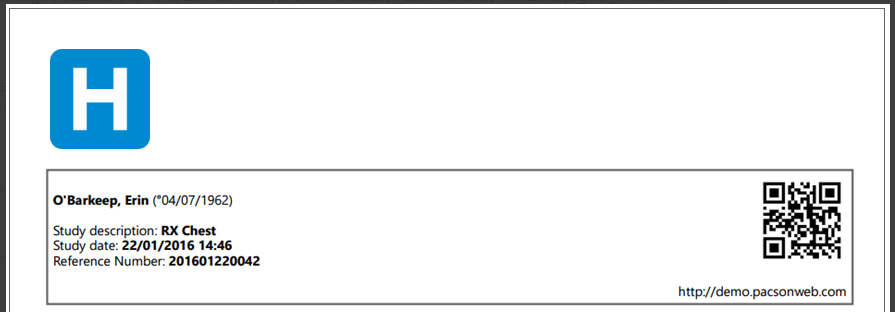
Print reference number | Generate a reference number for accessing the study online. See Printing reference number from the study list. This functionality is only enabled for registered users of DeepUnity PACSonWEB. | ||||
Print report | Print the study's report. It opens up in a new window to be printed directly.
| ||||
Download images | Download the images as PNG, DICOM, or decompressed DICOM, load them into your OsiriX, or send them to your own PACS system. See Downloading studies from the study list.
| ||||
Labels | Add/remove labels to/from the study. See Adding labels to studies. | ||||
DICOM transfer | Import the study into your own PACS system. See Importing studies in PACS
| ||||